Remote Chat with Antigravity.
Right from your phone.
AG Remote brings a silky smooth, ChatGPT-like messaging experience directly to your iPhone. Stop staring at your laptop screen all day. Now you can direct your Antigravity AI workforce to write code while you're grabbing coffee, hitting the gym, watching TV, or scrolling TikTok.
Your Agent Manager, Anywhere.
AG Remote works exactly like the Antigravity desktop Agent Manager. Switch seamlessly between active agent sessions, manage multiple workflows concurrently, and maintain complete oversight over your autonomous digital workforce directly from your pocket.
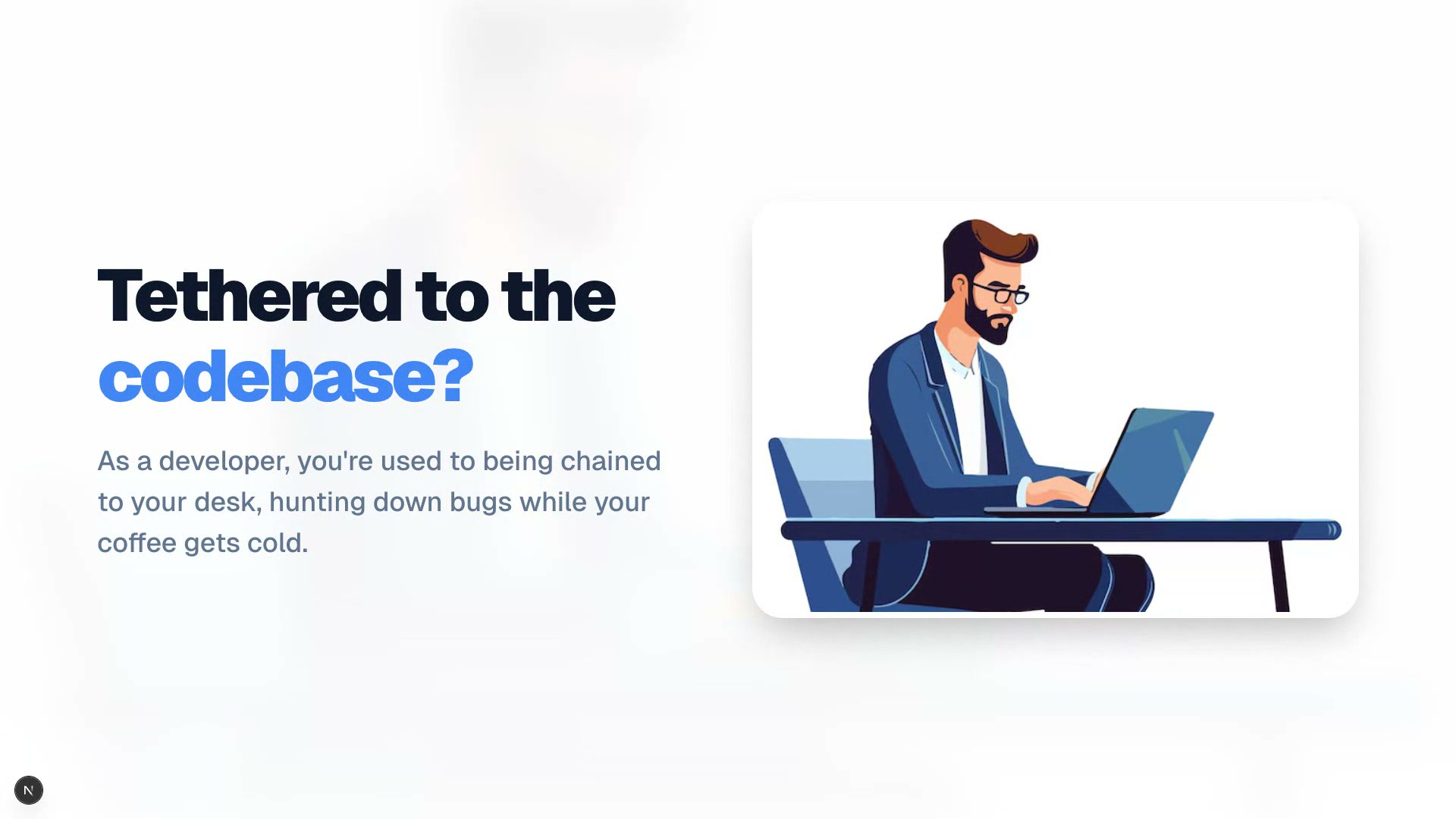
Tethered to the Desk
Your AI staff hits an OS permission block, or pauses for user input. You must physically walk to your Mac to click "Allow". Progress halts completely until you return.
Mobile Blindness
Did the staff finish writing the API? Is it stuck hallucinating? You have absolutely zero insight into your Mac terminal while grabbing coffee downstairs.
1-Tap Approval
Staff stuck waiting for approval? Tap once on your iPhone to force-approve and resume work instantly. No need to walk back to your Mac.
Native ChatGPT-like UI
Forget clunky screen mirrors like AnyDesk. AG Remote is a purpose-built native iOS Chat interface. It feels exactly like texting ChatGPT — incredibly smooth and frictionless — but your AI is directly physically plugged into your Mac's terminal and source code.
Designed for the 100x Multipliers.
AG Remote isn't just a neat tool. It's an enterprise-grade command center for professionals directing autonomous AI workforces across multiple machines.
The AI Agency CEO
Building an entire team of AI staffs. You manage 5+ Mac Minis in a rack, each running Antigravity IDE. You use AG Remote to instantly switch between your "Frontend", "Backend", and "DevOps" agents, supervising output from a single iPhone.
The Solo Developer
You juggle multiple projects simultaneously. While your main Mac compiles a resource-intensive build, you offload bug squashing to your second Mac. AG Remote lets you review and approve both agents' actions concurrently without switching chairs.
The Digital Nomad
You travel frequently and cannot carry a heavy workstation. You leave your powerful Mac Studio at home running complex automations. Whenever a script gets stuck or asks for permission, your iPhone buzzes—you unblock it from the airport lounge.
The Project Orchestrator
You don't code yourself; you orchestrate. You assign responsibilities: Mac 1 is the Project Manager, Mac 2 is the Developer, and Mac 3 is the Tester. You use AG Remote to pass test results from QA back to the Developer, conducting a symphony of autonomous collaboration.
The Remote CTO
Overseeing deployment servers managed by Antigravity bots. When a production deployment halts because a package upgrade requires manual root approval, you don't need to VPN in. Open the app, see the screenshot, hit Auto-Confirm, and the deployment succeeds.
3 Seconds to Setup.
No complex network setup required. Just scan and go.
Install Host App
Download the lightweight macOS desktop utility on the computer running Antigravity.
Scan QR Code
Open the AG Remote app on your iPhone and scan the E2E QR code displayed on your Mac.
You're Connected
A secure encrypted connection is established automatically. Now you can leave your desk.
Absolute Security & Peace of Mind
AG Remote operates on a strict Zero-Trust architectural model. Your source code, terminal outputs, and visual snapshots never touch our central servers. All traffic is routed directly between your Mac and iPhone via End-to-End Encrypted (E2EE) tunnels. You have sole administrative control to revoke any device access instantly.
Killer Features. Zero Compromise.
Designed from the ground up to pair flawlessly with the Antigravity IDE, granting absolute control over your AI workflows.
Smart IDE Activity Feed
Never feel lost again. A 4-phase intelligent indicator shows exactly what your staff is doing in real-time — from live tool actions to elapsed timers — with escalation prompts if things take too long.
1-Tap Approval
Staff stuck on a permission block? One tap from your iPhone to force-approve and keep your workflow moving without walking back to your desk.
Live Screen Capture
Instantly capture what your Mac screen looks like and view it on your iPhone. See exactly what your staff is doing, without leaving the couch.
Remote IDE Restart
IDE frozen? Restart from your phone with progress tracking — shutdown, reconnect, auto-focus, all hands-free.
Native Voice Commands
Built-in iOS Speech Recognition. Hold the mic button and speak naturally to your agent. Zero latency, 100% on-device processing.
Native Code Highlighting
Reviewing code on mobile has never felt better. When your agent streams back Javascript, Python, or Swift, we parse the Markdown and render sleek, monospaced code blocks natively. Tap the corner to copy it straight to your clipboard.
Auto-Confirm Toggle
Toggle autonomous mode on/off. Let your staff auto-approve safe commands without waiting for manual confirmation on your Mac.
Wake Screen
Mac went to sleep or screensaver? One tap to wake the display, dismiss the lock screen, and bring your IDE back to the foreground — all from your pocket.
Multi-Modal Native Chat
Send photos from your camera or gallery to give your staff immediate visual context. Screenshot a bug, snap a whiteboard — it understands.
AI Model Switching
Switch between AI models on the fly, right from your phone. Use a fast model for quick tasks and a powerful one for complex refactors.
Chat History & Tab Control
Jump across Antigravity chat tabs. Rename conversations, start new chats, and manage your full staff session history from mobile.
Remote Stop Button
Staff going off-track? Hit the red stop button from your iPhone to instantly interrupt the AI mid-task — just like clicking stop in the IDE.
Multi-Staff Management
Connect multiple Macs from a single iPhone. Switch between staff members instantly with the staff switcher — each with independent chat history and state.
System Telemetry
Monitor your Mac's CPU load, memory usage, disk space, and battery from your phone. Know instantly if your machine is struggling during heavy builds.
High Traffic Auto-Recovery
API rate limits acting up? AG Remote watches for "High Traffic" errors and automatically clicks Retry for you. Built-in manual Force Retry button from mobile.
Encrypted Connection + Sync
Enterprise-grade encrypted connection with zero network configuration. One-tap Sync button verifies your bridge to the IDE is alive and reloads everything in perfect harmony.
Staff completed task!
Build succeeded. Ready for review.
Selective Device Revocation
Lost your iPhone or suspect a breach? Instantly kill individual sessions from the Mac Host App dashboard. Revoked devices are permanently banned from the websocket tunnel.
Host Native App Dashboard
A beautiful electron-based Mac desktop client that acts as the unbreakable bridge. Monitor active connections, verify E2E encryption status, and manage accessibility and screen recording permissions in one place.
Security Without Compromise.
Controlling your Mac remotely requires absolute security. That's why AG Remote is built from the ground up with a zero-trust cryptographic architecture to keep your workstation perfectly safe.
Trustless Cryptography
Commands are digitally signed by your iPhone's unique key pair, exchanged locally via QR code. Thanks to end-to-end cryptographic signatures, your commands are mathematically impossible to forge or intercept by any third party.
Zero Exposed Ports
AG Remote establishes an outbound-only encrypted connection. Your computer remains completely invisible to the public internet — no open ports, no attack surface.
Sandboxed Execution
The Desktop Host runs in a sandboxed environment on your Mac. All communication between your iPhone and your computer stays end-to-end encrypted. No data ever leaves your machine to our servers.
Pair once via QR code. Keys exchanged locally — our servers never see your data.
One Payment. Full Power.
No feature gates, no recurring subscriptions. Secure your lifetime access before the early adopter spots fill up.
AG Remote Pro (Lifetime)
Complete unlimited access to all current and future features.
Only 100 Lifetime spots available.
- Unlimited Remote Command Sessions
- One-time payment, no subscriptions
- Zero-Trust Cryptographic Security
- Unlimited Workspaces & Project Switching
- Native iOS Chat & Command Center
- Smart IDE Activity Feed (4-Phase)
- Force-Approve & Auto-Confirm Toggle
- Real-time Screen Capture
- Desktop Host App (macOS)
Secure payment by Stripe. 14-Day Refund Policy, no questions asked.
Enterprise Team
For agencies managing multiple AI staff infrastructure.
tailored to your organization
- Everything in Pro
- Unlimited team seats & roles
- SSO & SAML authentication
- Audit logs & enterprise compliance
- Priority support & private SLAs
Launching Q3 2026
Trusted by the 1%
See how top-tier developers and agency owners are scaling their output with AG Remote.
"AG Remote fundamentally changed how my agency operates. I used to be stuck at my desk approving commands for my 5 concurrent AI agents. Now I manage them all from my iPhone while having lunch."
David Chen
CEO, Nexus AI Agency
"The visual screen capture is a lifesaver. I can instantly verify what the Antigravity IDE is actually doing without opening VNC. The latency is practically zero."
Elena Rodriguez
Senior Full-Stack Developer, FinTech Solutions
"The Chat UI/UX is an absolute masterclass. They distilled a complex IDE down into a silky smooth messaging app. It feels exactly like texting ChatGPT — zero friction, zero learning curve."
Marcus Wei
Indie Hacker, Self-employed
Latest News
Updates, product announcements, and tutorials.

AG Remote is now in Early Access
We are thrilled to announce the early access launch of AG Remote. Control your Antigravity AI workforce from the palm of your hand with native speed and zero latency.
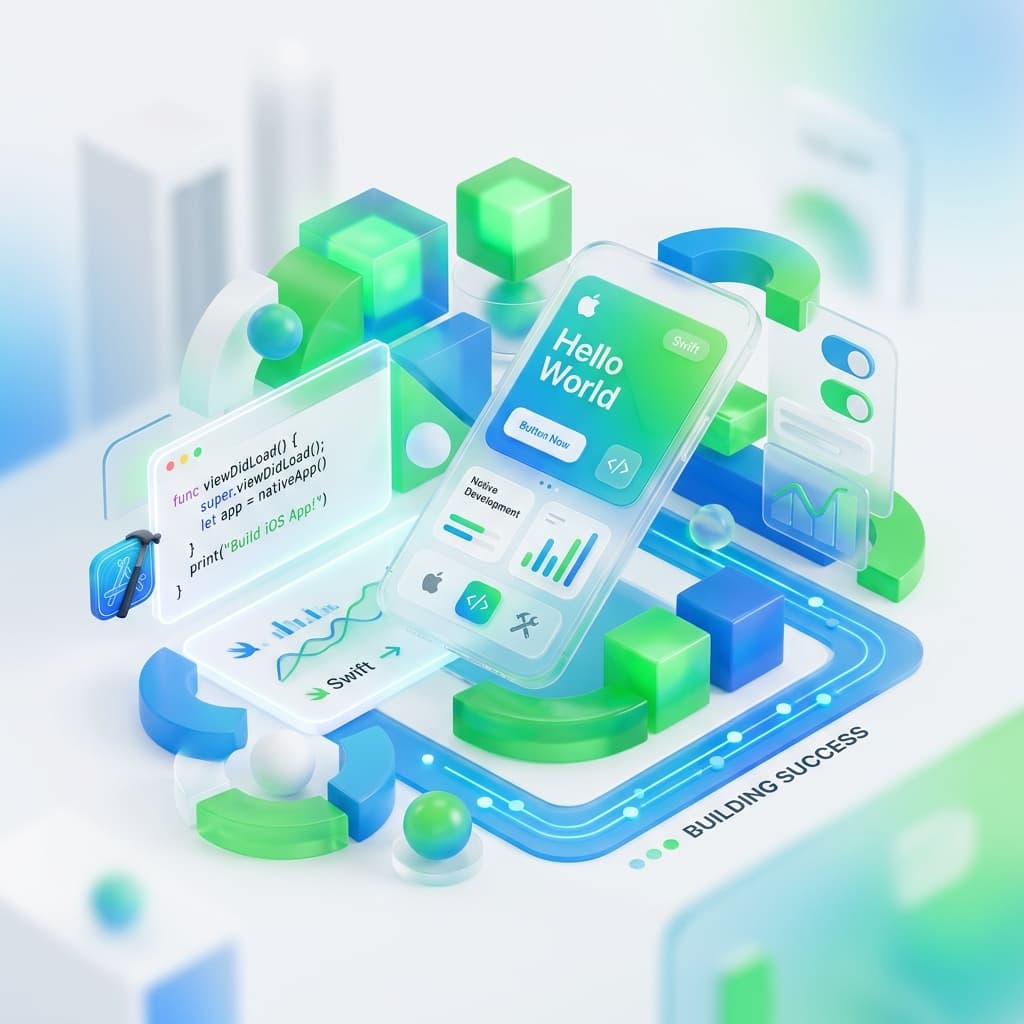
Why we built a native iOS app for Antigravity
Relying on web interfaces or clunky remote desktop protocols wasn't good enough. Discover why we chose Swift and native rendering to deliver the ultimate Agent Manager experience.
Ready to take control?
Get started with AG Remote today and experience true autonomy for your AI workforce.